Creative Direction
There were 3 main considerations taken into account when establishing the creative direction for Bushi:
1. Gameplay
Bushi's goal is to give players the experience of being like their favorite action anime characters while dueling with friends or other players on a casually competitive stage.
2. IP
Bushi's IP reinforces the gameplay's themes, while being attractive to target demographics.
3. Monetization
With a free-to-play model, extra care was taken to create customization options that are appealing to players.
Gameplay
The core premise I came up with placed all players on equal footing: everyone uses a sword, bow, and parkour abilities to fight, rather than picking specific heroes with unique abilities. This avoids inherent imbalances or "counters" that typically happen with hero-based gameplay, which lets players focus on outmaneuvering their opponents with their own mechanical capabilities.
Straightforward mechanics also have the effect of making the game easy to learn; players typically get a hang of the game within 1-2 matches (10-20 minutes). The intent behind this is to make it easy for both friends and solo players to hop in and have a fun, memorable experience instead of climbing a steep learning curve.
To add variety and pull in more of the anime feel, pickups are placed throughout the map that give players additional abilities inspired by popular anime skills like Naruto's paper bombs, shadow clones, and target dummy substitutions.
Ryan Deleon and Nicholas Johnson were responsible for many specific game design decisions.

IP
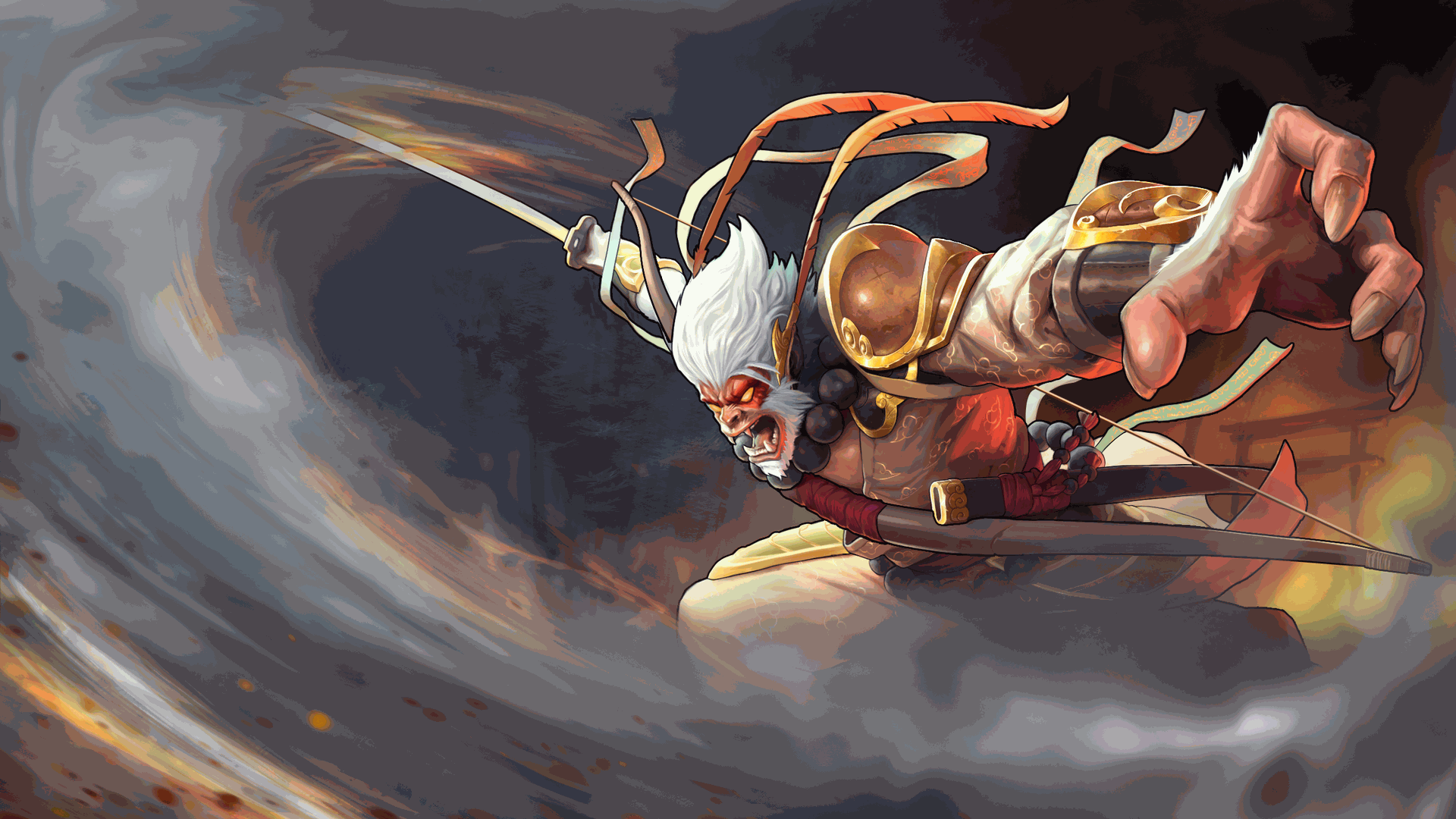
Reinforcing the gameplay goals and anime theme, Son Goku - the Japanese version of the Monkey King - was chosen as the main character. The Monkey King is an ultimate warrior with a vast skillset, giving precedent for the player's supernatural strength.
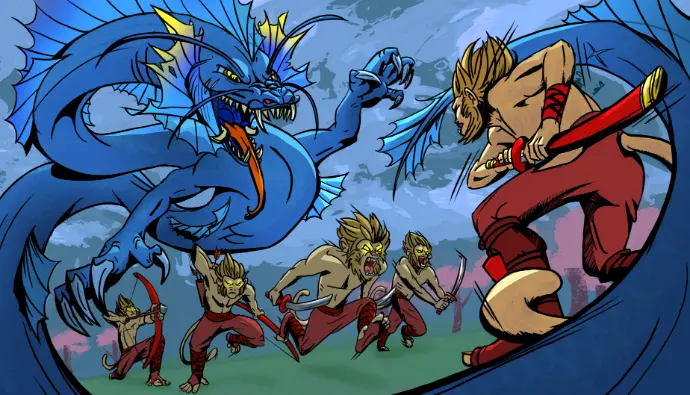
Among mythological Goku's abilities is the power to create clones and shapeshift. This is the basis for the multiplayer lore - the ultimate warrior became bored with his opponents, so all that remained was fighting clones of himself all equal in ability. Customizing cosmetics to be a different character represents Goku shapeshifting.
Morphing into any character is the backbone for expanding the Bushi universe. Characters from other IPs are invited to come challenge Goku in the arena to see who the greatest warrior really is.
Tina Milerlei and I worked closely to establish this lore and the accompanying art direction.
Monetization
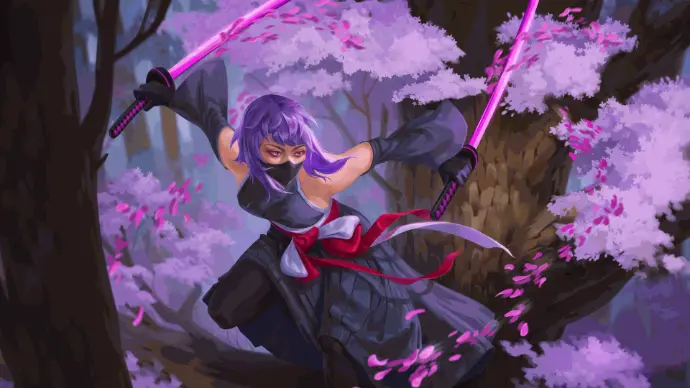
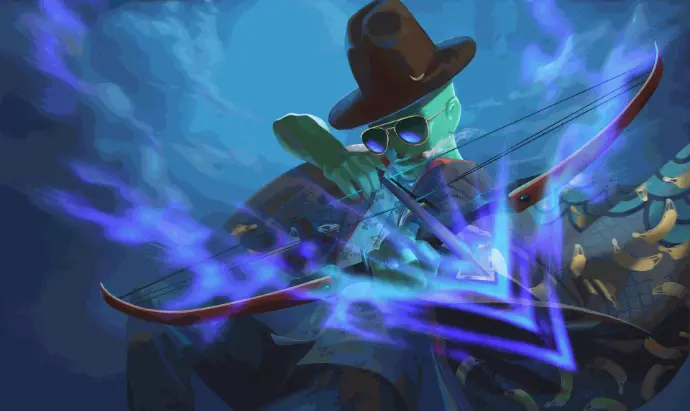
Characters are the primary monetization asset for Bushi. With characters not tied to gameplay and IP that directly reinforces the possibility for wide-range character variation, we're free to create any number of characters.
Additionally, our focus for character variety is towards cross-IP collaboration - 3/4 of our current characters come from other IPs. Bushi's ambition is to bring A-List IPs into the universe similar to Fortnite, but with a heavier emphasis on action-based IPs in the Anime, Comics, and Games category.
Bringing characters into the universe also follows a questing campaign, allowing players to explore the collaborators IP within the context of Bushi's arenas.
Ultimately, I want players to be given entertainment value from our monetized assets that extends beyond simple cosmetic swapping.
Environment Art
Arenas
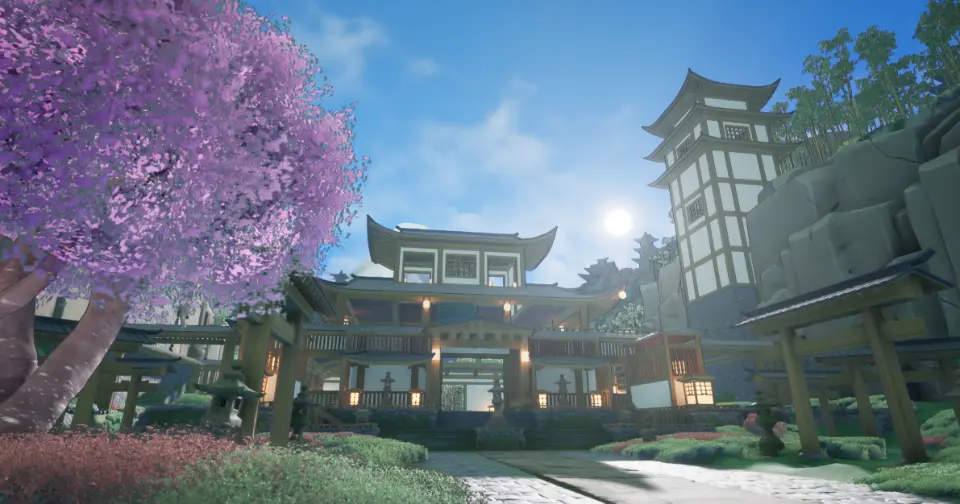
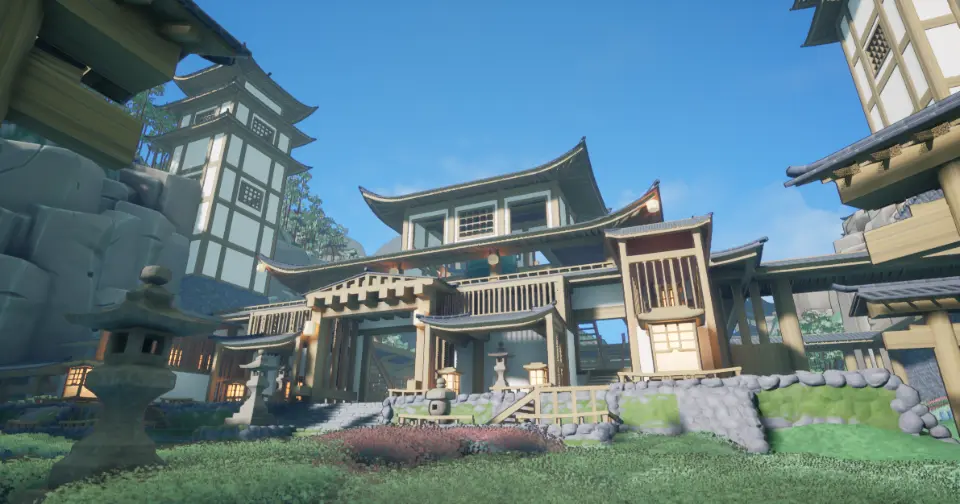
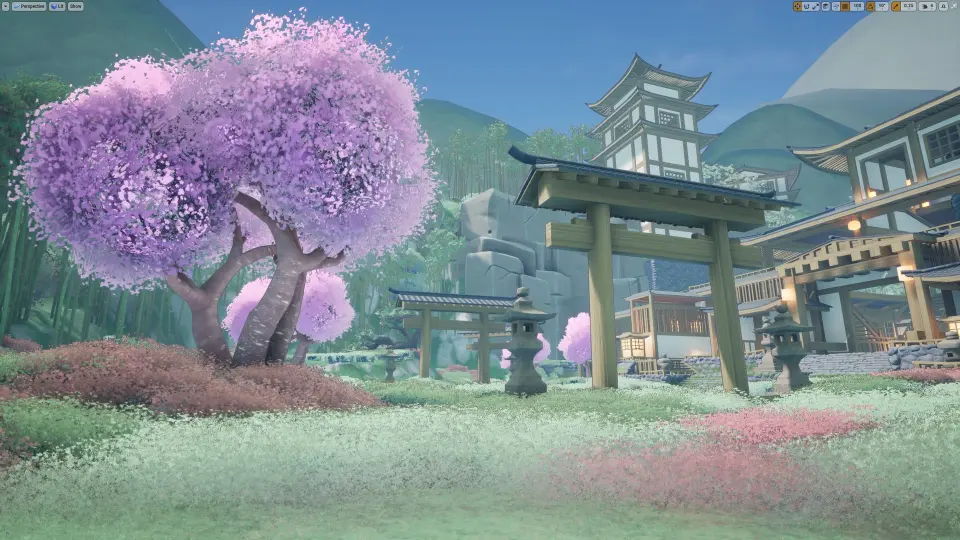
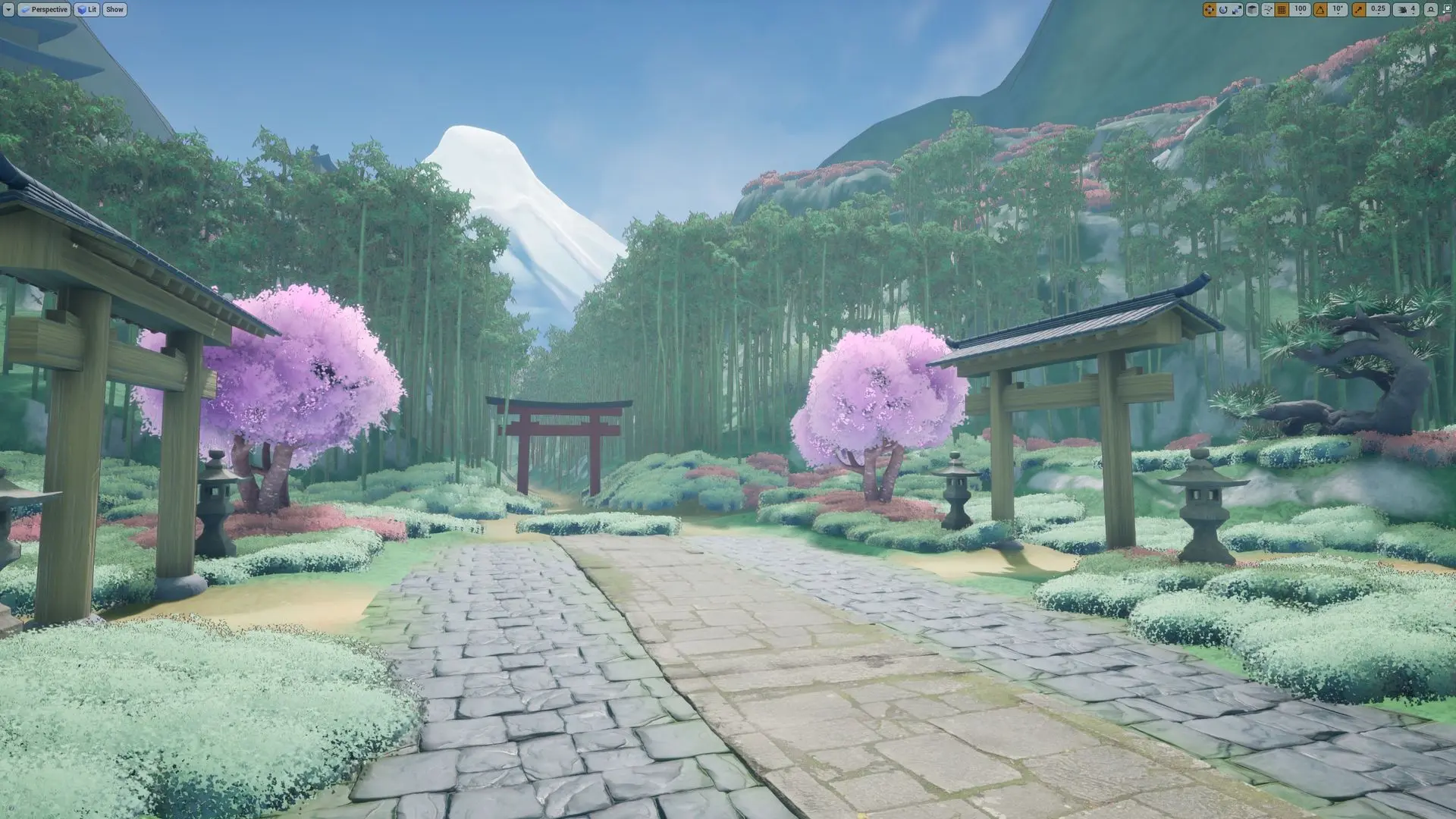
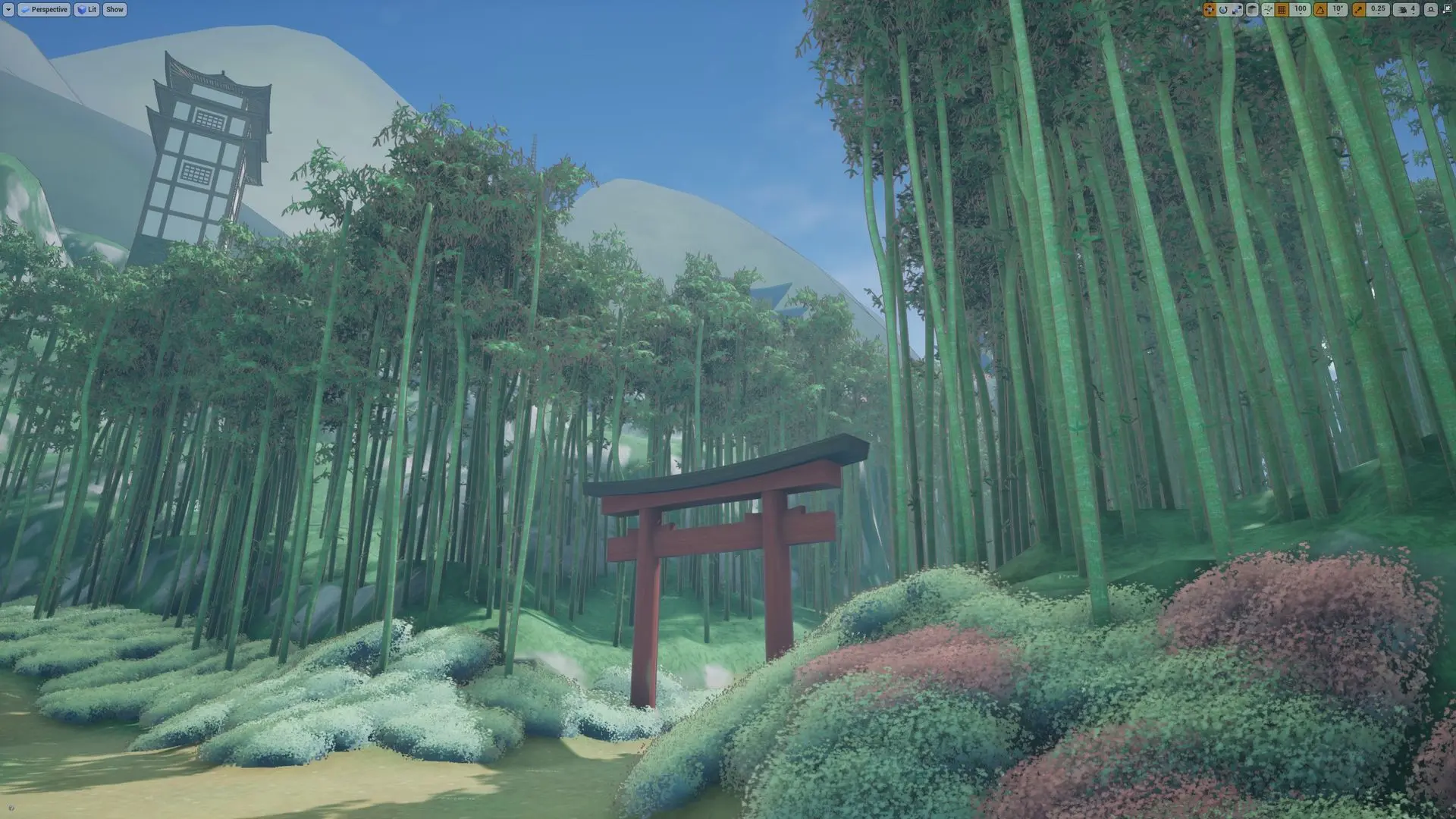
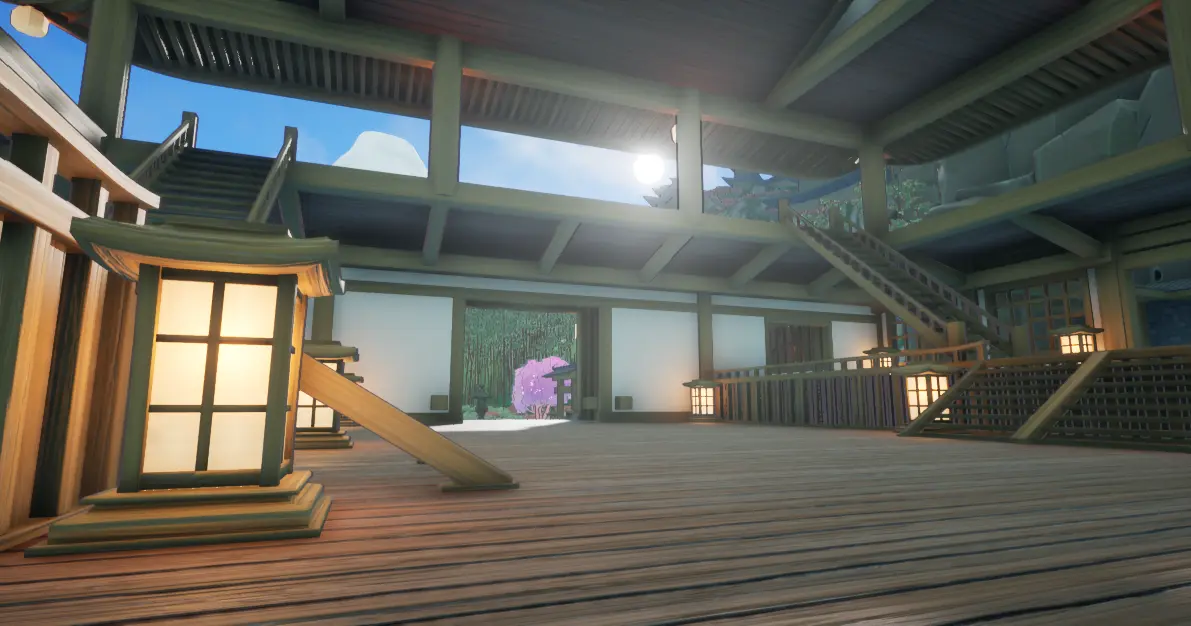
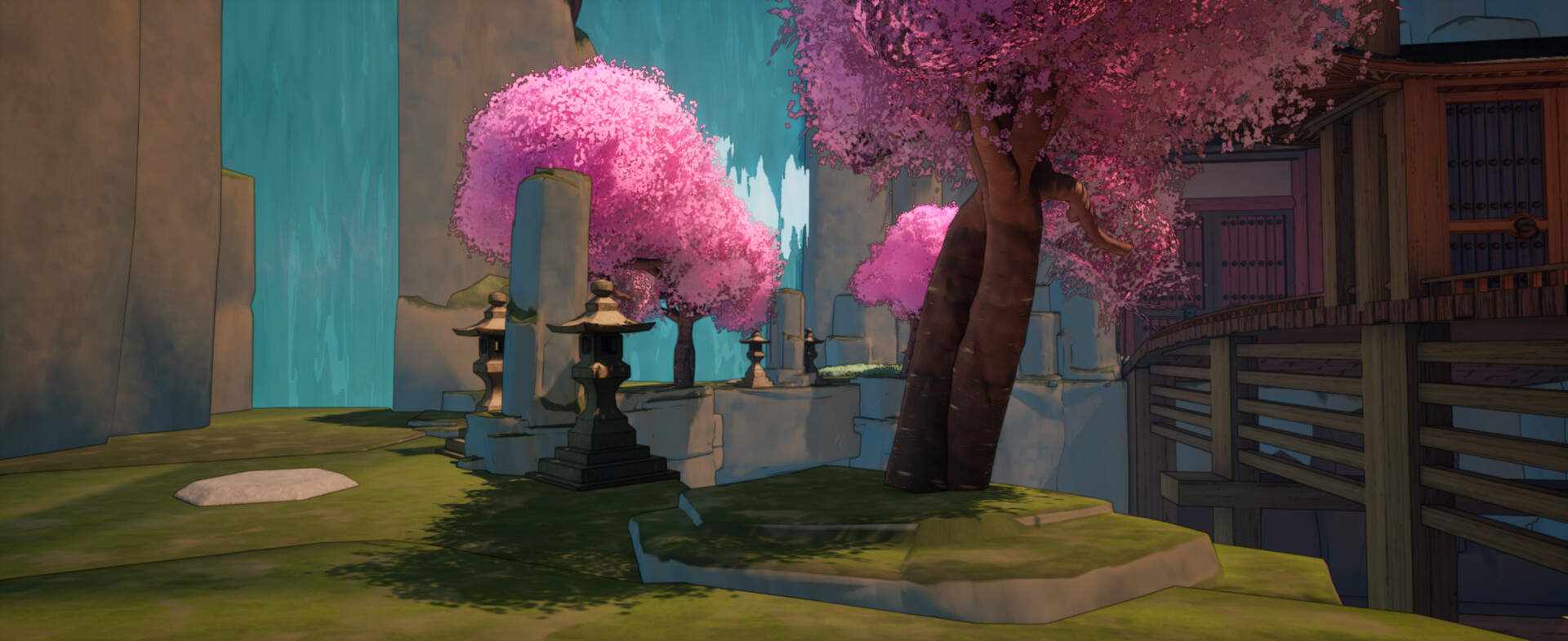
These are the arenas found in Bushi. Environment and technical art done by me and level design done by Ryan Deleon.




Technical Art
I was responsible for a wide array of technical art duties for Bushi:
- Shaders and visual development to create the anime aesthetic for the environments, characters, postprocesses and some of the VFX
- Optimization for PC and console, including multiple quality variations for shaders, LODs for assets, lighting, asset pipeline, and GPU profiling for all maps
- Tool development for the asset pipeline and level creation
- User Interface backend implementation
Grass
Grass is a key component in achieving an anime feel for the natural environments. Vibrant grass colored by an RVT of the landscape color without harsh shadows, as seen here, is the common technique used for this. Instead of using flat colors on the landscape texture, I've found that a simple brushy color texture adds tons more impact to the grass even at low resolutions and a simple swap in the texture can significantly change the look of the grass with little effort.
This grass has very aggressive LODs and impostors that come in at relatively close distances. This, combined with no shadows, makes it feasible to use in fairly large amounts in a competitive multiplayer setting.


Grass variation 1 landscape texture

Grass variation 2

Grass Variation 2 landscape texture
Anime Style Trees
Trees are also a key component alongside the grass. Soft tree clusters with custom normals and shader effects create a paint-brushy tree canopy that can feel at home just as easily in a 2D setting. Trees can also be used as platforms for the player, so the clear shape of the tree canopies also serves a gameplay readability purpose.


Anime tree cluster
Landscape RVT
The landscape material properties (color, roughness, specular, normal, etc) are ultimately set by a Runtime Virtual Texture (RVT), offsetting the cost of shader calculations. I think this is critical for maximizing the potential for a painted feeling, while being optimized. For example, with this method, we can have as many landscape paint layers for color variations as we want without increasing runtime rendering costs. This lets me treat the landscape more like a canvas for paint strokes, rather than an accumulation of only a handful of materials.
Another benefit of this method is that I can create tools that paint layers onto the landscape independent of the landscape material and landscape paint layers. In the example below, I implemented a modified version of PrismaticaDev's RVT pathway for our dirt paths. The spline-based pathway gets "stamped" into the landscape RVT. There are controls for texture, color, falloff, noise, and more to create a wide variety of procedural paths without needing to make unique assets.


Side path
Procedural Forest
Our forests are created procedurally with Unreal's PCG Framework. Aside from the typical benefit of improving creation speed, the procedural route allows me to create guardrails for both gameplay and optimization.
- Since players can climb and run on top of trees, it's important for me to cap the variation difference between the heights and spacing of trees so that there are no gaps or unexpected walls blocking the player. This is done very simply with procedural generation over manual placement.
- Forests are in the context of a competitive game and used as both foreground and background elements. Optimization controls make all of this easily possible. I add filler trees in the core of the forest which are just optimized trunks and focus the full tree meshes on the outskirts of the forest with dotting throughout the forest itself to create a nice upper canopy. Optimizing a forest is as simple as changing a few values to increase or decrease the amount full trees, filler trees, and total trees.
 Small bamboo forest that can be climbed on by the player
PCG Asset Placement
PCG is also used for placing most of the natural assets in our levels. PCG is great for allowing a lot of artistic control with tons of additional optimization benefits.
In the example below, scattered boulders are grounded into the scene by using PCG to inject wetness values into the boulder's shader. With PCG, I set the waterline that determines where the boulders are submerged in water and completely wet, as well as the falloff distance from the waterline where the boulders are damp.
The benefit of this is accessible and versatile artistic control without needing to make many material instances. If I have a body of water at a different elevation, that elevation is set in PCG rather than a new material instance, for example. Color variation, environmental factors (wetness, mossiness, dirtiness, etc), and normal strength are a few of the material parameters I've connected with our PCG Asset Placement tools.
Custom Lighting
I implemented custom lighting driven by curves as a very cheap added lighting layer on top of the standard lighting. It adds a significant boost to the painted feeling of the assets, as shown below. Colors can be fine-tuned in the curve for the specific asset and lighting scenario, as well as follow artistic principles (i.e. warm hues where light hits and cool hues in shadows to enhance forms).


Boulders without custom lighting

Trees with custom lighting

Trees without custom lighting
Moss
I created a cheap subsurface scattering imitation that gives our moss a little more life. At grazing angles, the moss looks fuzzy. This takes the sun direction into account to create a fuzzy glow towards the sun and a slight bounce light on the opposite side, which simulates lighting bouncing around tiny moss strands. This is incredibly cheap compared to scattering tons of small moss foliage cards and still captures a good amount of the feeling of sunlit moss.

Water
I implemented a simple water that fits the aesthetic without being too computationally heavy. The focus is slightly tinted water, with most variation coming from a combination of animated normals and reffraction. Foam is represented with less opacity, lighter color, and stronger normals rather than a strong contrasting white color and pure opacity.
UI
I was responsible for implementing the backend for many of the UI elements in Bushi alongside Nicholas Johnson. UX/UI design was done by Ryan Deleon and John Duriman.

Main Menu

Login

Armory

Quests

Party